 Service
Principle
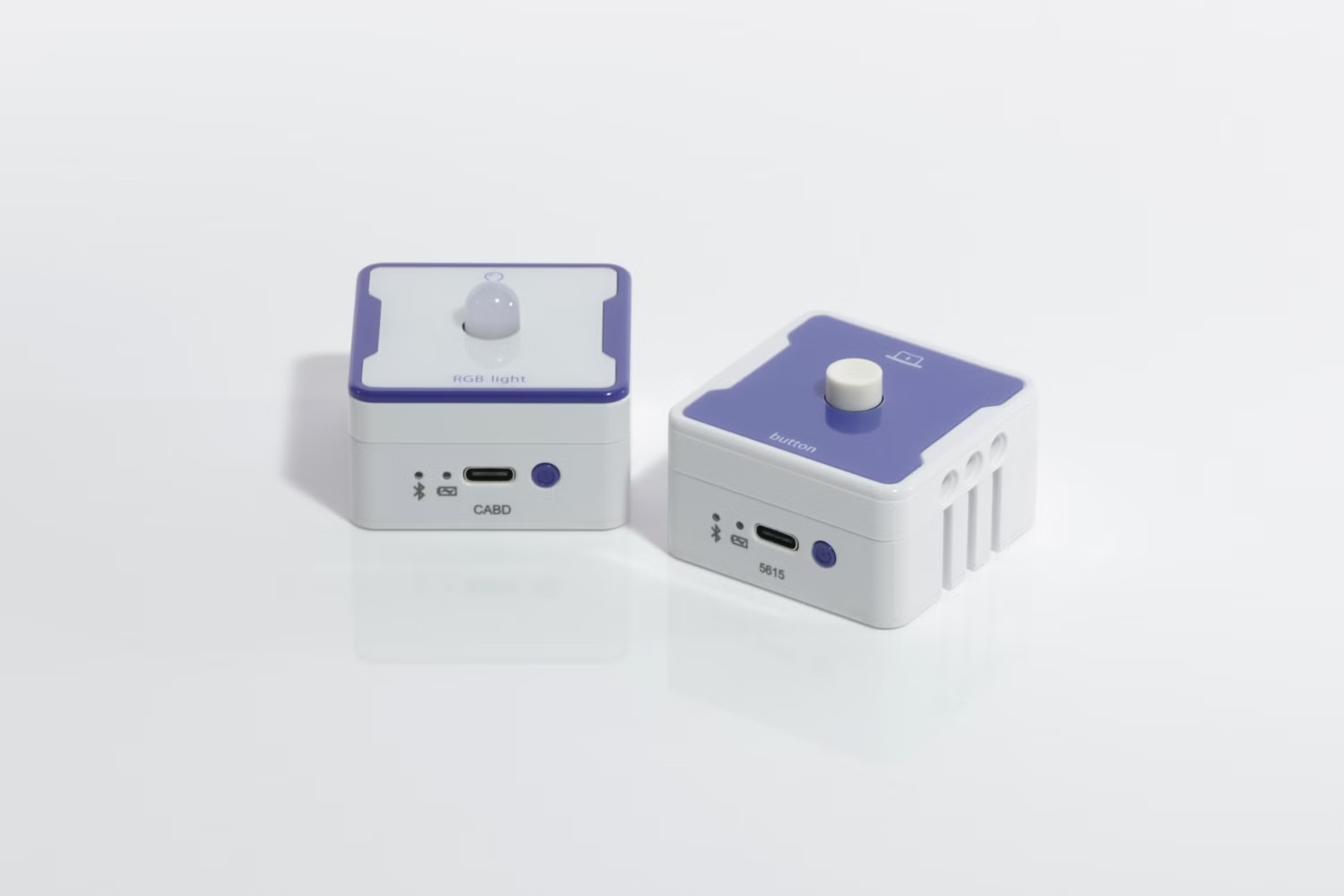
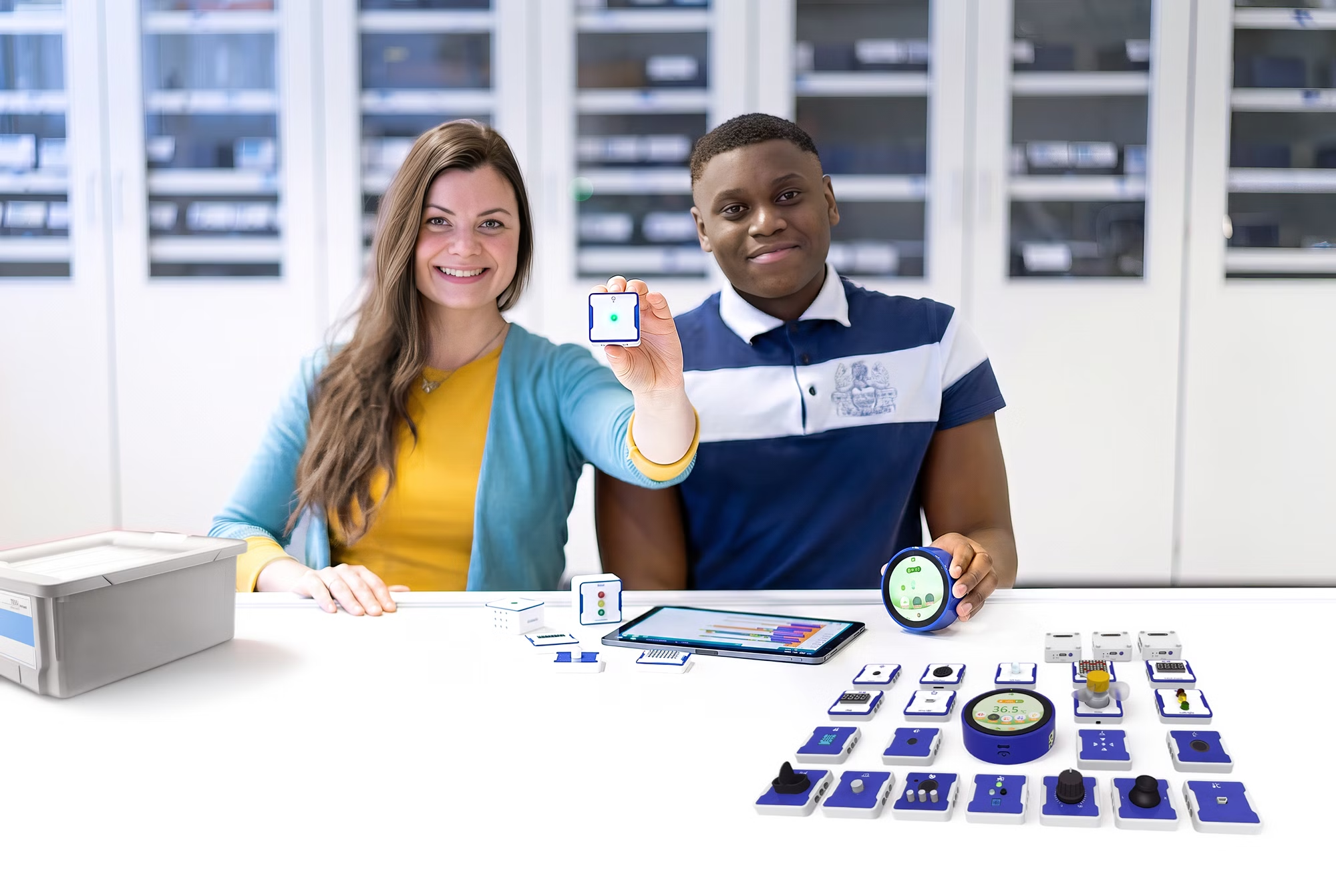
With Blockolino, students learn how to program a light switch using sensors, actuators and a small program. The Button sensor and the RGB Light actuator are magnetically attached to LinoLinks and connected to the LinoHub via Bluetooth. The program is created with the visual programming language Blockly by drag and drop on a tablet, smartphone or PC and is then transferred to the LinoHub: as soon as the button is pressed, the LED lights up green. This makes the principle of input – processing – output visible.
Tasks
- The students set up the experiment with the LinoHub, the Button sensor and the RGB Light actuator.
- In Blockly, they program the LED to light up green when the button is pressed and to go out when it is released.
- They transfer the program to the LinoHub and test its function.
Learning objectives
The students gain a first introduction to programming and understand how a program is structured from input (sensor), processing (code) and output (actuator). They recognise that Blockly blocks represent logical instructions that are executed in a fixed order. No programming knowledge is required.
Benefits
- Easy introduction to programming without prior knowledge thanks to Blockly and drag and drop.
- Quick setup thanks to magnetic LinoLinks and wireless connection via Bluetooth.
- Immediately visible result of the self-written program.
- Strong everyday relevance (e.g. light switch, traffic light control).
- Promotes computational thinking according to the principle of input – processing – output.
- Free Blockolino app for Android, iOS and Windows.
- Suitable for partner work.
- Quick experiment preparation (experiment instructions available).
Recommended accessories
With these accessories you can generate real added value

Customers were also interested in...
- Article no:14800-66Blockolino Extension Set