 Service
PHYWE CubiCode
Learn programming. Understand technology. Turn ideas into reality.
The modular introduction to programming with sensors, actuators and Blockly.
- Sensors and actuators that measure and move


- Program easily and playfully with Blockly


- Creatively combinable with building blocks


Blockly & PHYWE CubiCode
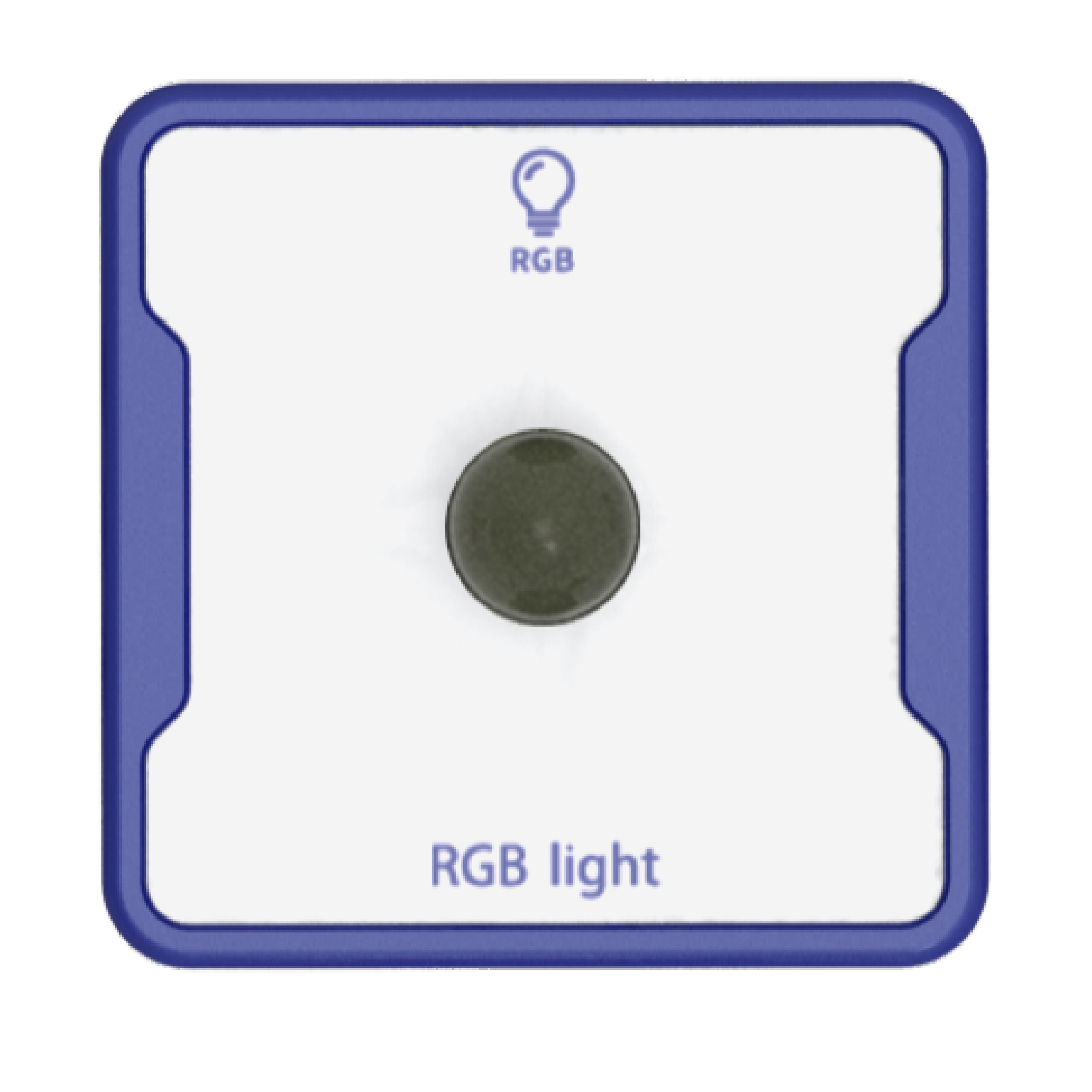
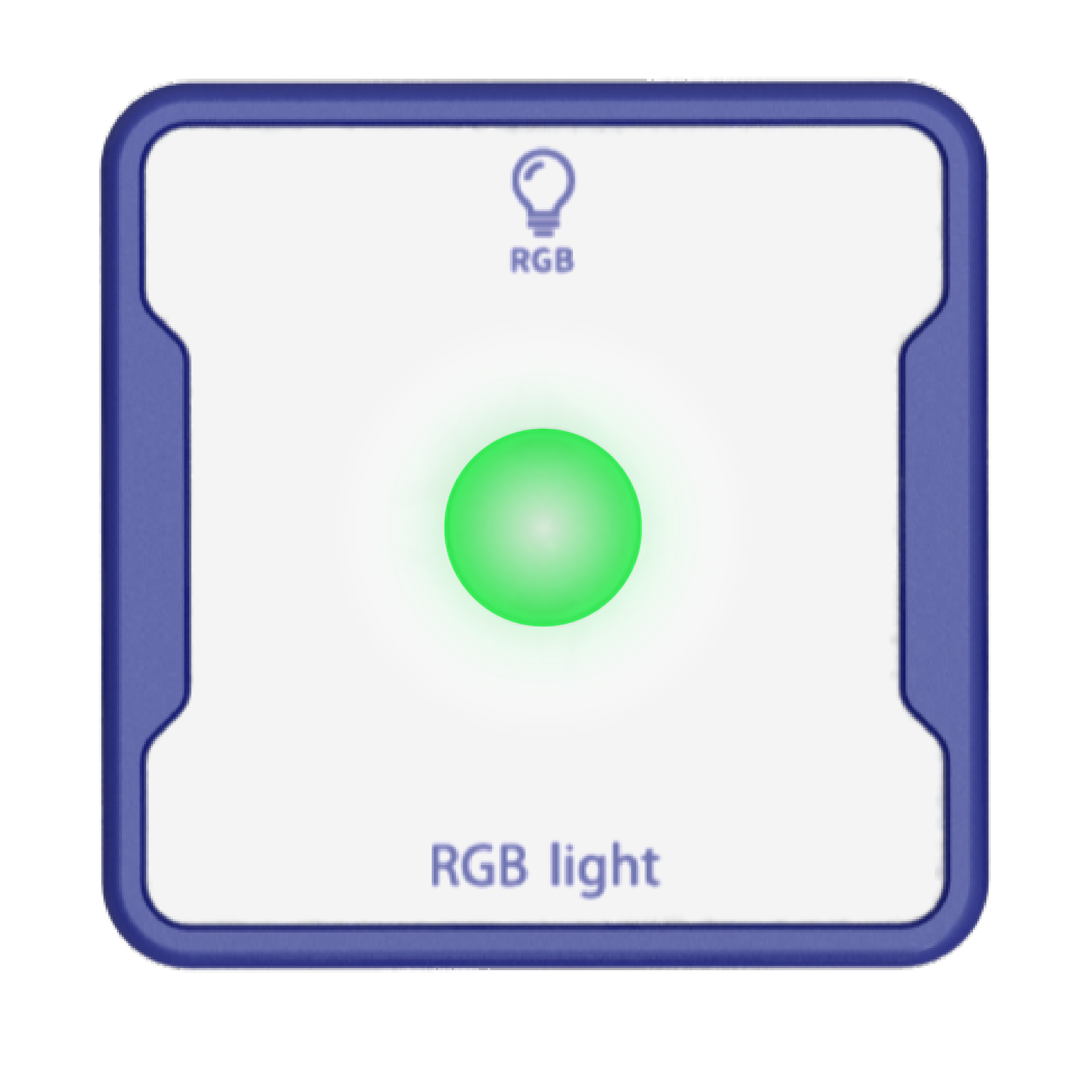
We give the green light to coding! Try it yourself:

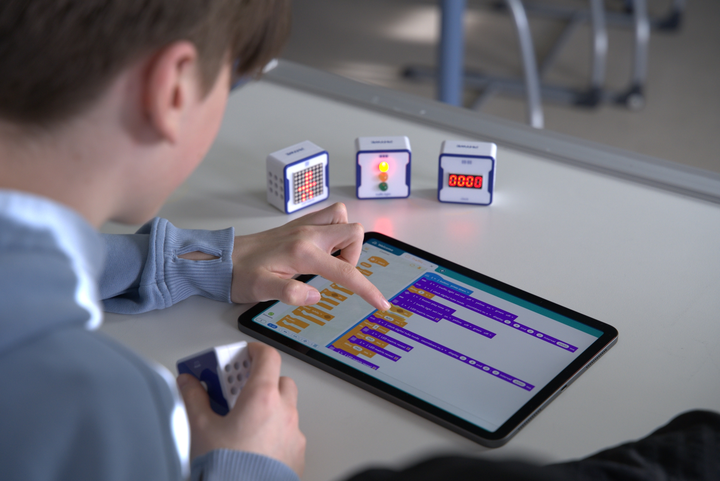
What makes PHYWE CubiCode special
Designed for the classroom, loved by students.

No programming skills required
Get started easily with Blockly. Visual block-based programming makes the entry quick and intuitive.

Freely combinable
Compatible with common building block systems – perfect for creative minds. Modules can be flexibly combined and quickly swapped.

Unlimited applications
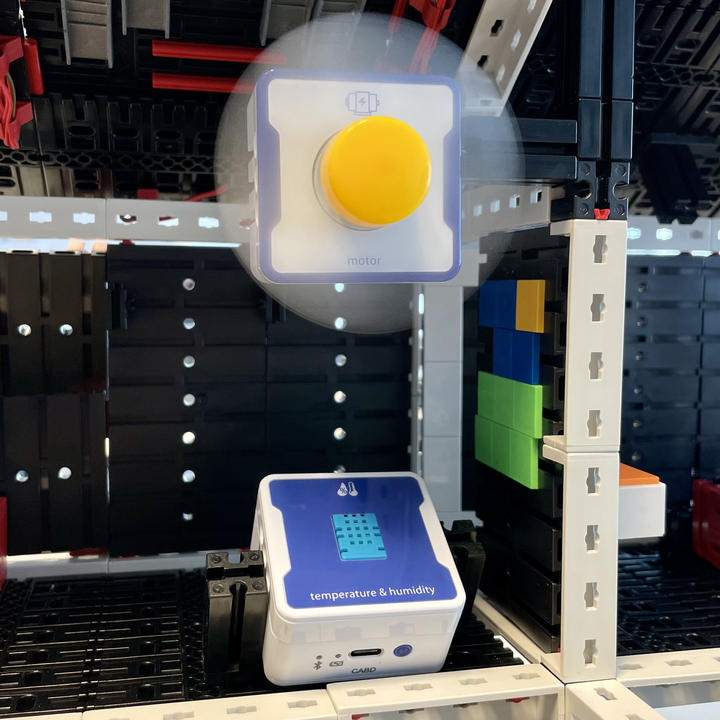
From a stopwatch to a traffic light system. Sensors and actuators make programming visible – through light, sound, or movement.

Cross-curricular use
Whether general studies, science and technology, or computer science. The system is suitable for lessons, clubs, and makerspaces.

Easy start
No need to deal with measurement values at the beginning. Learners can try out ideas directly and see results immediately.

Interactive control
Program on PC/tablet, run on CubiHub. Programs are transferred via USB or Bluetooth and evaluated live.

Ready to use instantly
Thanks to standby mode, CubiLinks connect within seconds – ideal for lessons and projects.

Flexibly expandable
Start with the Basic Set and expand anytime. The Basic Set can be upgraded to the Expert Set with the Extension Set.
PHYWE CubiCode Product Overview
The right package for every need – from beginner to expert level.
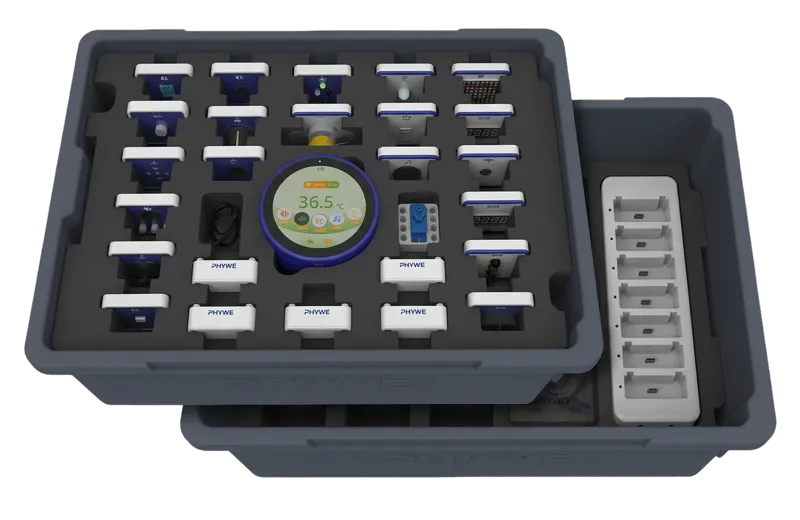
Expert Set
The complete set with CubiHub, CubiLinks, and a wide selection of sensors and actuators. The lower layer of the TESS set provides plenty of space for future expansions. Included in both Basic and Expert Sets.
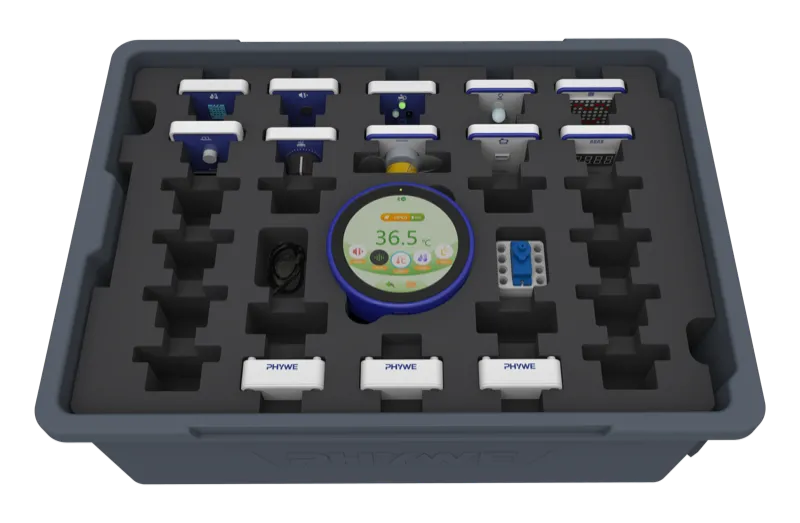
Basic Set
The ideal entry set with CubiHub, 3 CubiLinks, 5 sensors and actuators each, plus a charging station. Expandable with individual modules or the Extension Set.
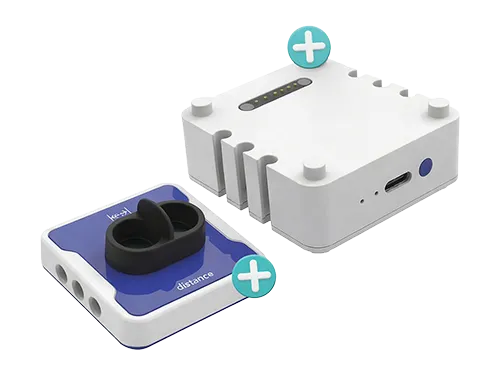
Extension Set
Upgrades the Basic Set to the Expert Set. Includes 2 CubiLinks, 6 sensors, and 4 actuators – ready for bigger projects.
What is Blockly?
Blockly is an open-source visual programming library developed by Google – and the core of the PHYWE CubiCode software. Instead of typing code line by line, learners combine colorful blocks using drag and drop. The blocks snap together like puzzle pieces and only fit where it makes logical sense. That means: no missing semicolons, no unbalanced brackets.
This makes Blockly the perfect entry point – even without prior programming experience. From the very beginning, learners focus on what really matters: logic, loops, conditions, and variables. With PHYWE CubiCode, this logic instantly comes to life: a sensor reacts to movement, a traffic light turns on, a sound is triggered. This directly connects programming concepts with visible results in the classroom.
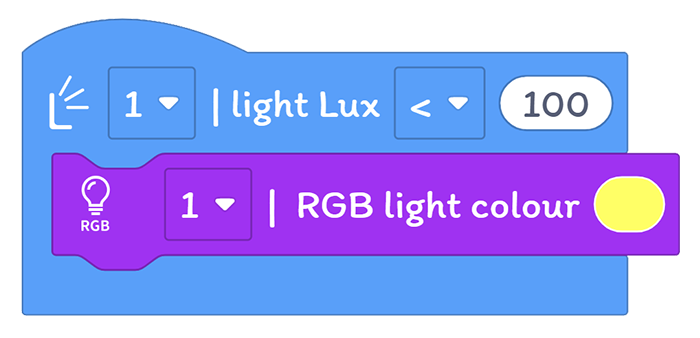
Blockly has been used worldwide for over ten years and also forms the foundation of well-known learning platforms such as Scratch, Code.org, and MIT App Inventor. You can find more information about the library on Google’s official page: developers.google.com/blockly.
Perfect for schools & classrooms
Developed with teachers – for real added value in the classroom.
 Suitable for lessons and extracurricular activities Quick start with examples and pre-installed programs Downloadable materials (workbook incl. technical data)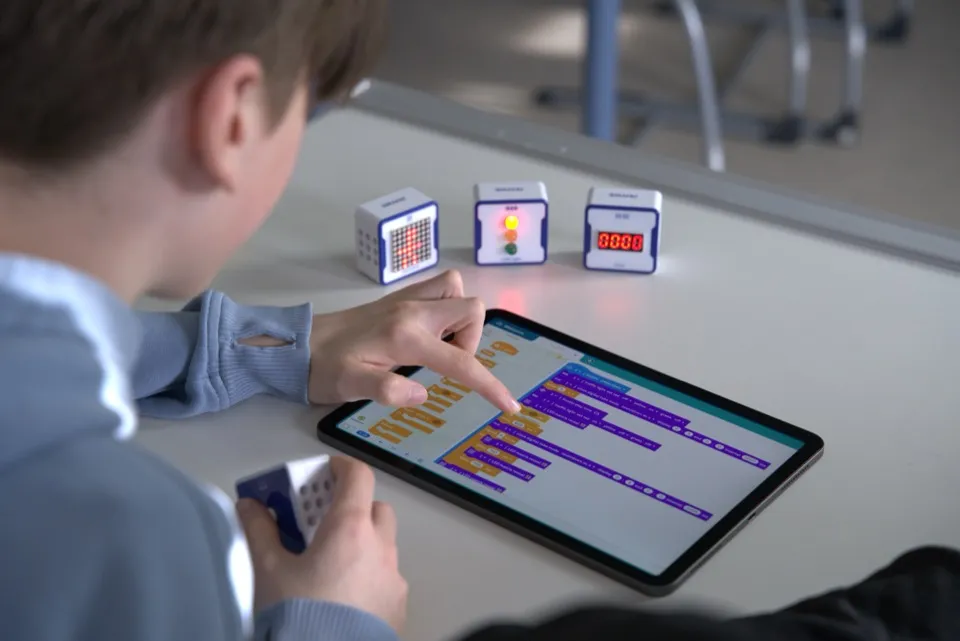
How CubiCode works
From idea to a working application in three steps.
Programming
Program in the software using Blockly.
Transfer
Transfer to the control center via USB or Bluetooth.
Connect & Run
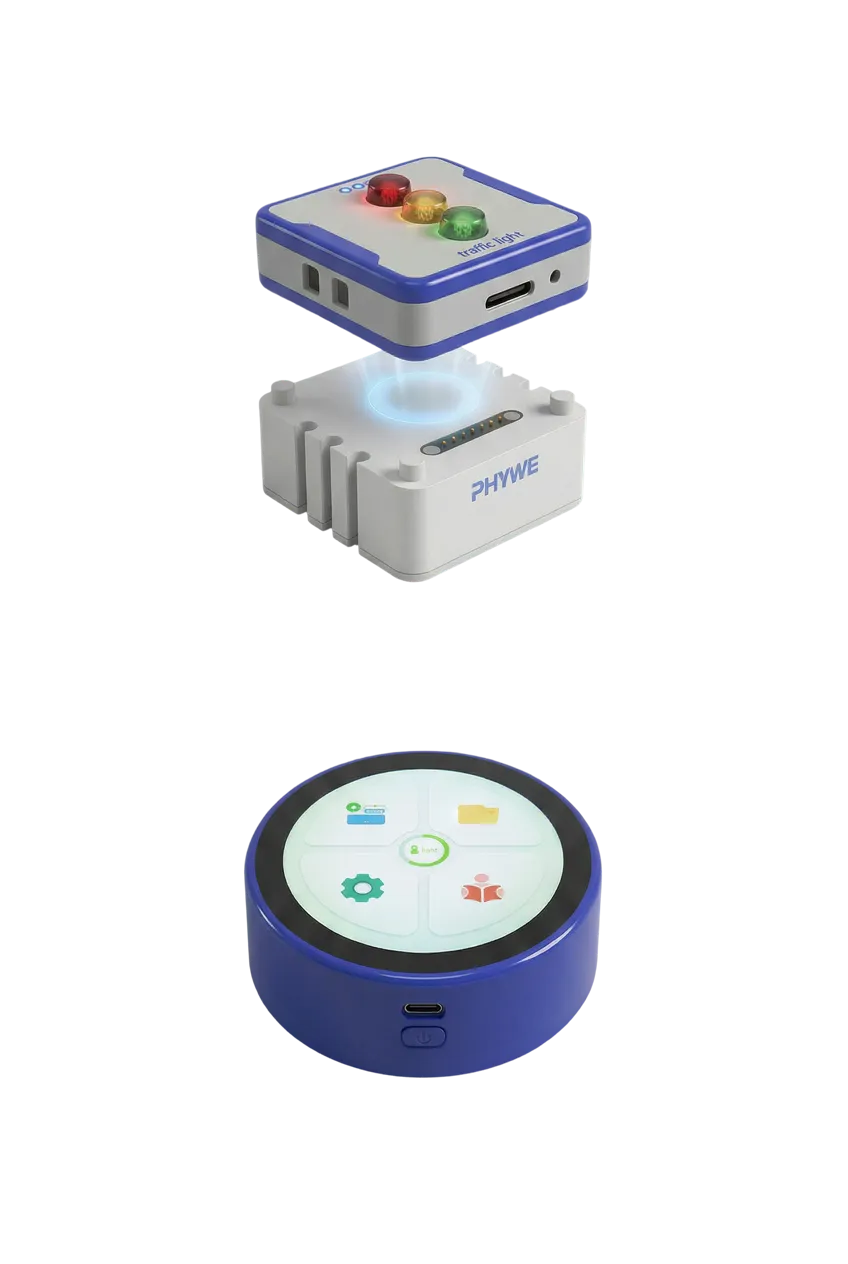
Magnetically attach sensors and actuators to the CubiLinks and pair them using the connect button – the CubiHub control center displays live measurement and output values.